Your watchlist
Add stock tickers and cryptocurrency symbols from the touchscreen. Each symbol is checked before it is saved.
Live market data · right on your desk
DeskTicker is a compact Wi-Fi stock and cryptocurrency ticker display for your desk. It shows current prices and daily percentage changes without a phone or computer staying connected.
New DeskTicker: $39.99 USD on eBay · In stock.
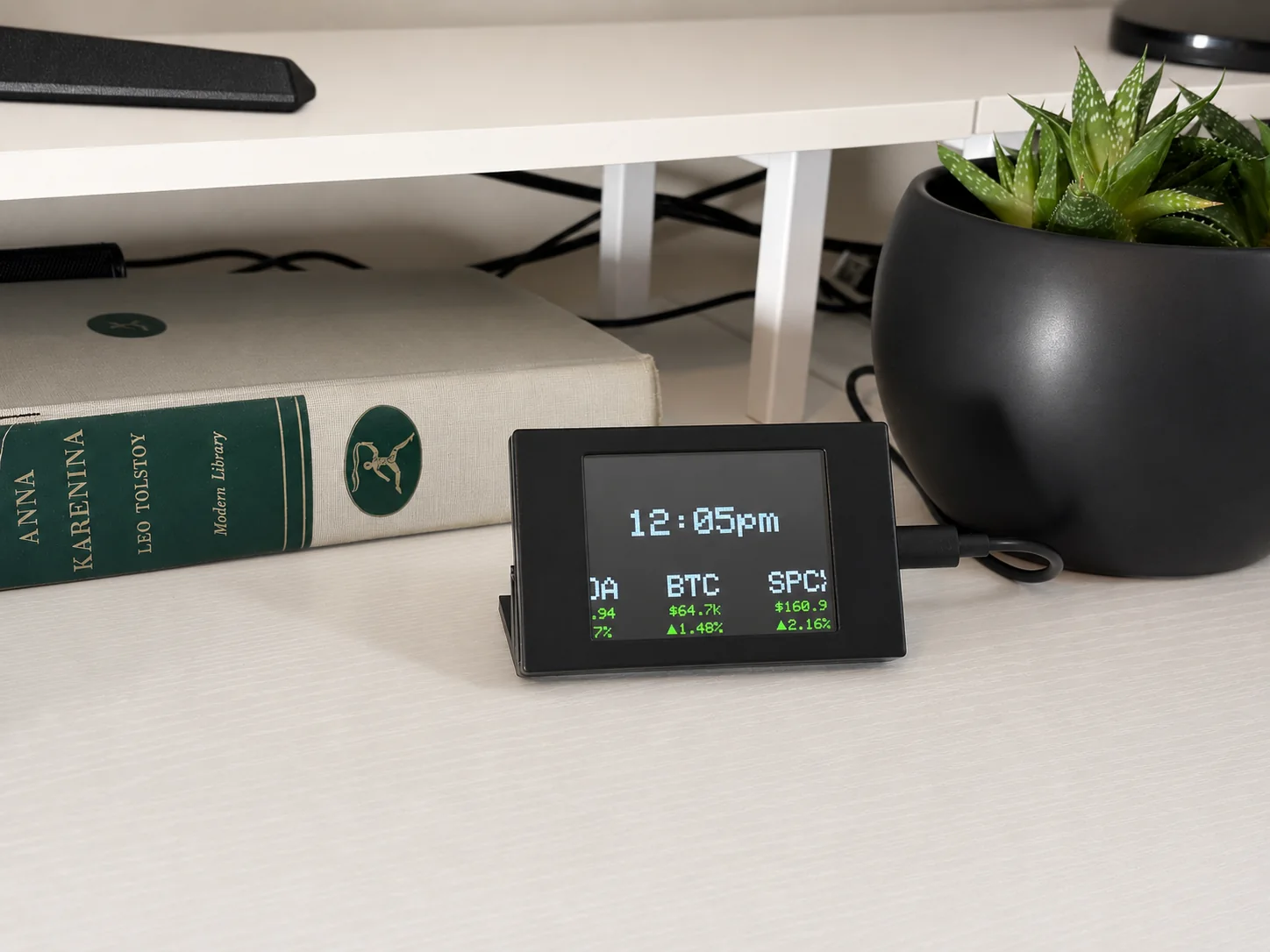
Big-picture clarity.Compact footprint.
Choose the symbols you care about. DeskTicker supports stocks and cryptocurrency, connecting over WiFi to keep their prices and daily changes visible throughout the day.
Add stock tickers and cryptocurrency symbols from the touchscreen. Each symbol is checked before it is saved.
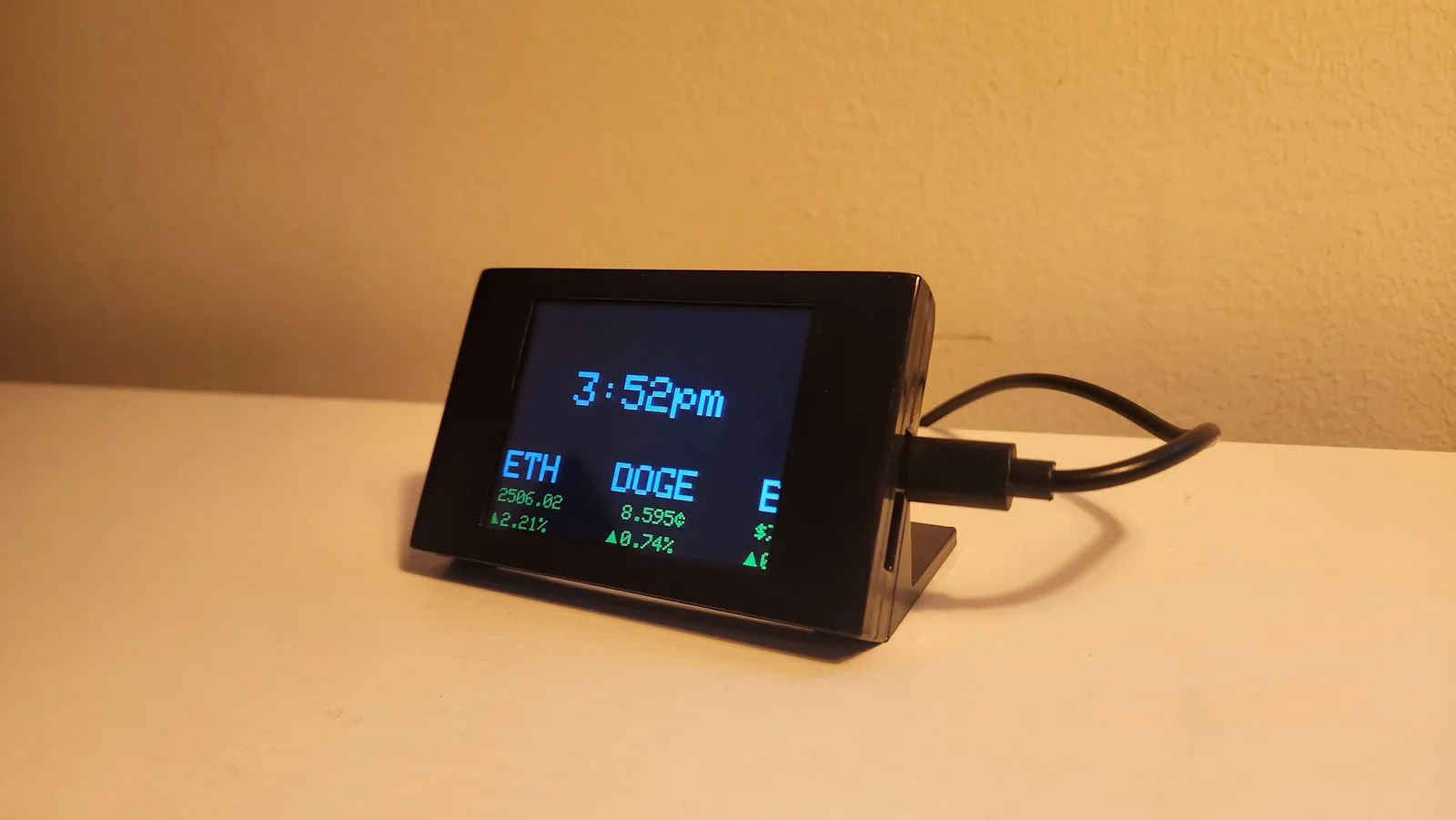
The screen shows the current price and percentage change, using green and red to make movement easy to read.
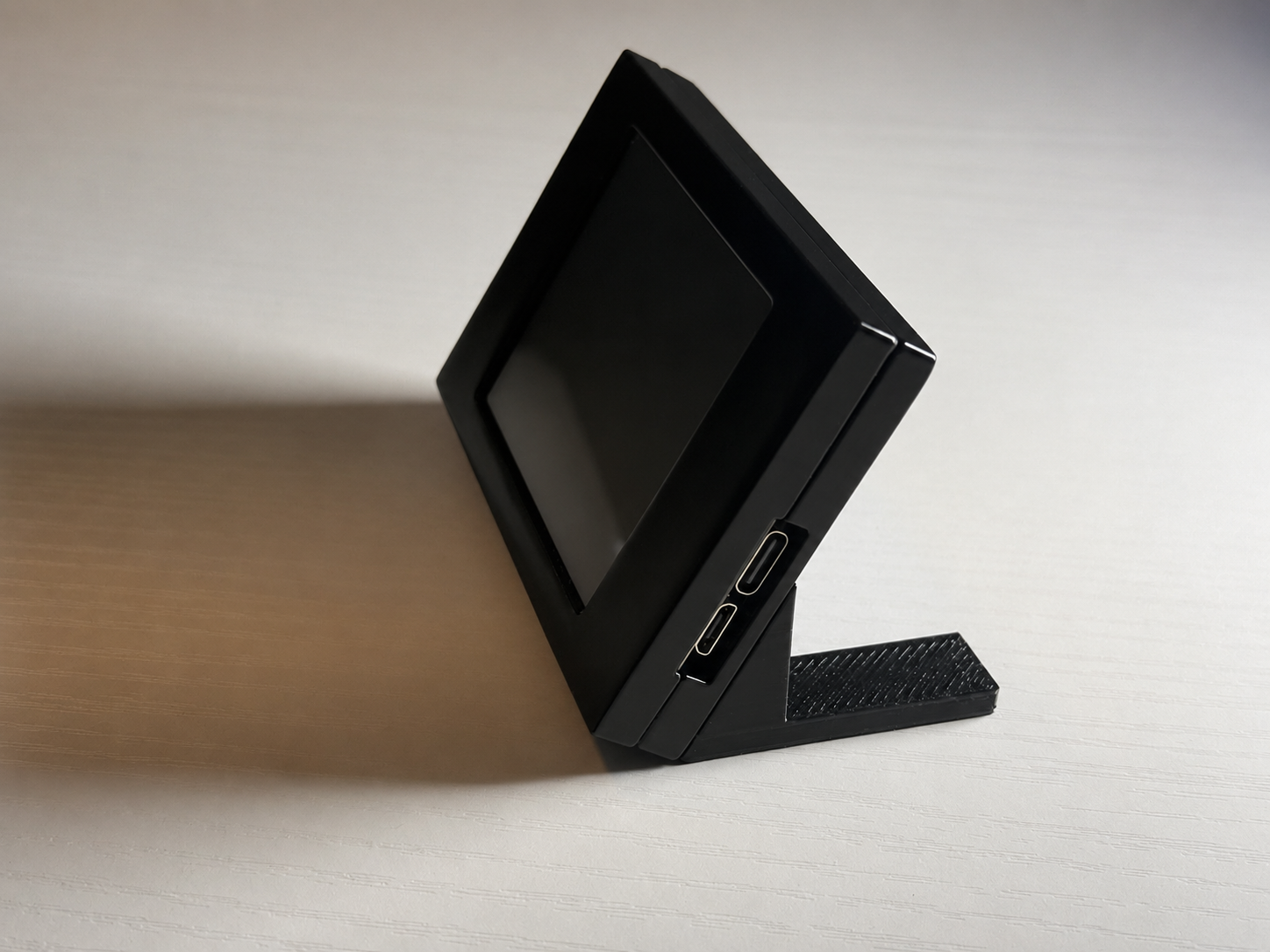
The compact angled case keeps the display easy to see without taking over your workspace.
The ticker checks for improvements on startup and can install them without being connected to a computer.
Set up in minutes
Select your network and enter the password using the touchscreen keyboard.
Choose stock or cryptocurrency, enter the symbol, and let the ticker validate it online.
Use a focused static display or let multiple assets scroll across the screen.
Adjust refresh timing, scroll speed and spacing, timezone, or flip the screen orientation.
Made for everyday use
Your watchlist and preferences stay saved when the ticker is unplugged. The clock sets itself over the internet, and updates install through the menu—no computer required.
Desk Ticker screen: Welcome
Demo data only. Simulator prices and changes are generated examples, not live or delayed market quotes. Symbols entered here stay in your browser and are not sent to a market-data service. This walkthrough is for product instruction only and is not financial advice.
Product support
Tell us which symbol is missing or not working. The report is sent directly to us so we can investigate and add support.
Good to know
No. After the initial setup, the ticker connects directly to your WiFi and retrieves market data on its own.
Yes. Add stock ticker symbols or cryptocurrency coin symbols from the on-device touchscreen keyboard. The device validates a symbol before saving it.
Choose a static view that cycles between assets or a scrolling view that moves several assets across the screen. Cycle timing, scroll speed, and spacing are adjustable.
Yes. WiFi details, saved assets, and display preferences persist across power cycles.
Keep your watchlist in sight